Ever since Yahoo bought Astrid and shut it down, I’ve been looking for a to-do app that I can use the same way I used that. Moving from Android to iOS hasn’t made it any better; there are a lot of iOS to-do apps, but they all refuse to work the way I want to. Almost everything wants me to categorize my tasks into separate “lists”, to which tasks belong. I prefer to just tag all the things and filter by tag. And nothing wants to do Astrid’s location-based alerts; sure, various to-do apps let me put a location alert on a particular task, but nothing lets me say “if I have anything on the ‘drugstore’ list then alert me when I get close to the local drugstore”.
I’d been using Remember the Milk for a while, because at least it does the tags thing pretty nicely, and doesn’t have the annoying habit of giving every to-do a due date by default that a lot of to-do apps have. But it’s started crashing on launch on my phone. And I’ve been lost in an endless sea of to-do apps that all hew to some super-rigid (mis-?)interpretation of “Getting Things Done”.
So I’ve been playing with designs for my own.
I’ve been calling it “Miss Fussyspider”, as that is a thing I sometimes call myself when I’m bopping around the apartment cleaning stuff. And I’d intended to have some cute cartoon drawings of said Fussyspider pop up now and then to give it character. But when you get down to it, spiders are work to draw.
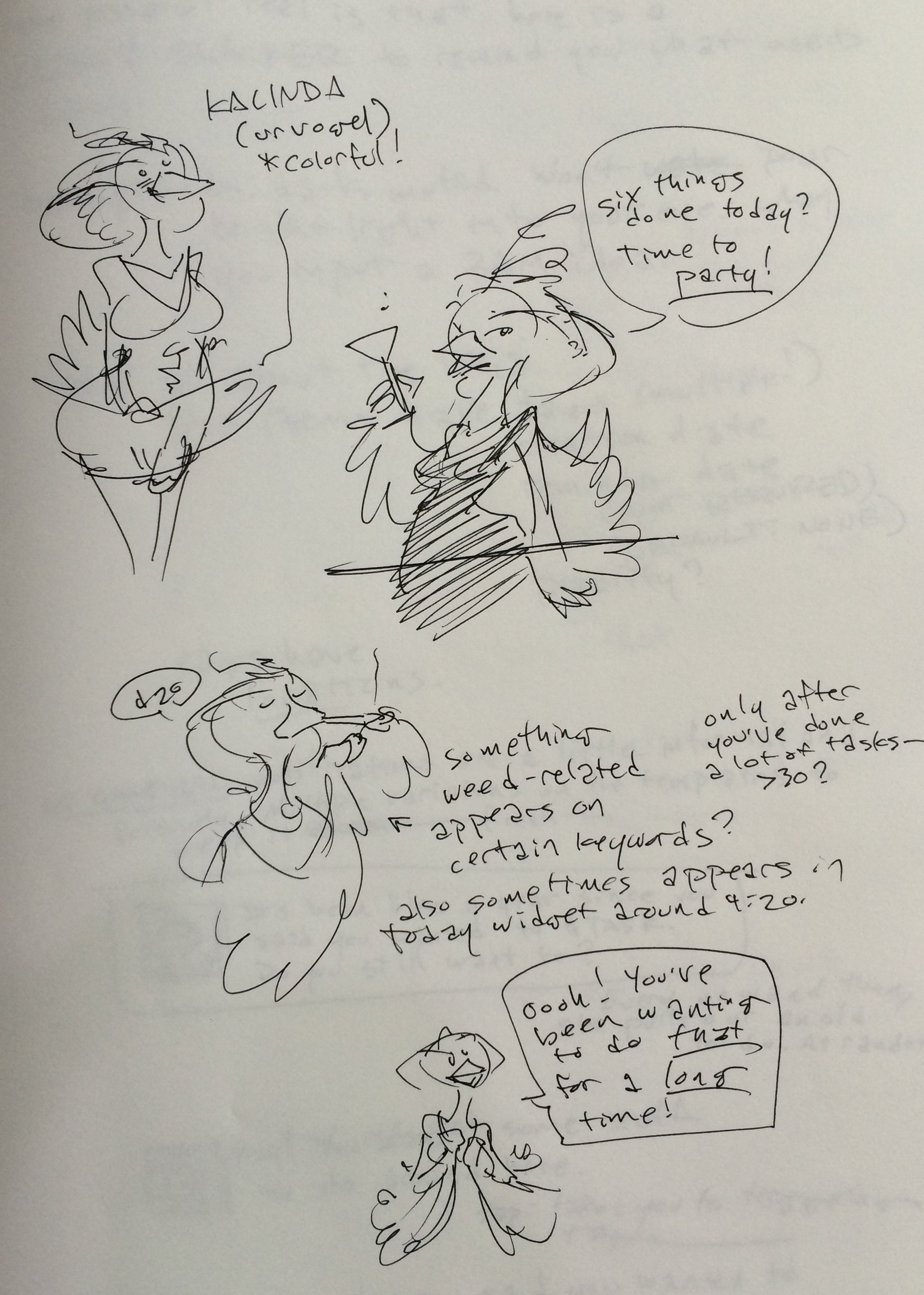
Last night, I sat down with my sketchbook and started doodling various characters of mine, with an eye to casting them as the face of this to-do app. And when I settled on a simpler one, it really started to take shape…


Dark and muted because holy crap why does almost every productivity app on my iThings want to double as a flashlight at night and ruin my dark vision.

Working out the basics of what’s on the screen. Tap on the current tag name to switch to the list of tags (which would also include things like ‘untagged’) ; tap a tag in that list to switch to showing that tag.
The bottom bar might also have a button to toggle showing deferred tasks; see my typed text below about changing “reminders” to “do laters”.
It’s also worth noting that if the tag/task lists are shorter than the screen, they should be at the bottom rather than the top. I use my phone one-handed a lot, and prefer bottom-focused UIs.

‘stared tasks at top’? Starred tasks. Could either sort alphabetically with everything else, or sort to the top of the list. There’s a pref switch, maybe a button on the top of the screen.
Also that extra prefs switch off on the left should be ‘show notes in task list’, not tag list – with it on, tasks with notes attached to them would have one line of text from the note shown beneath the task title.

The above page would be what pops up on a first launch, to explain the basic ideas behind the app. There might also be a screen that labels all the icons.

I really hate it when a task app hides tags and/or location-based reminders behind a paywall. This would be fully-featured for free, with no limitations – but there’d be a few IAP purchases to say thanks. “Buy Kalinda a beer”, “Buy Kalinda a six-pack”, “Fill Kalinda’s fridge with beer”, etc, with prices starting at a few bucks and going up. You can buy them multiple times if you like, and it’ll keep track of how many you bought. Maybe even tell you how long you’ve been using the app,and how much you’ve sunk into it, in a confirmation dialogue when you hit the button. None of this is part of the Minimum Viable Product of the app.
Neither is building a pile of code to run on a server somewhere. I don’t want to worry about keeping it running, or keeping it secure. Use Apple’s Reminders as a backend. (Or Google Tasks, or whatever MS’s to-do service is, if we want it to be more cross-platform. But the MVP just uses Reminders because that’s easy for me to dump my existing tasks into, and to use the stock OSX Reminders app for basic ‘put task in todo list’ functionality if we don’t build an OSX app in parallel with iOS.)
The nag screen would show up pretty infrequently. It might get a little more frequent after a year of unpaid use. But not very much so. It probably wouldn’t show up at all until you’d checked off like 30-50 things.

As I put this post together, I was struck by an idea: Perhaps instead of “reminders” you can simply set tasks as “future”, with a date when you want them to show up. Future tasks are hidden from view until their time comes, with a prefs switch or screen button (maybe at the top?) to show them. You can have Kalinda remind you that you can now do this thing, but the explicit concept is that this is not about saying “I have to do $THING at $TIME”. That’s what your appointment book is for, IMHO. This app is about saying ‘here are things you said you wanted to do’ and ‘hey, you’re where you said you wanted to do some things’, not ‘You have to do this thing now’. If it was about ‘you have to do this thing now’ it’d be called “Touch The Puppet Head” and would have a very different feel.
Mostly switching to ‘future tasks’ would involve a different icon from the little bell, and adding a ‘Remind me?’ switch beneath the date selection.
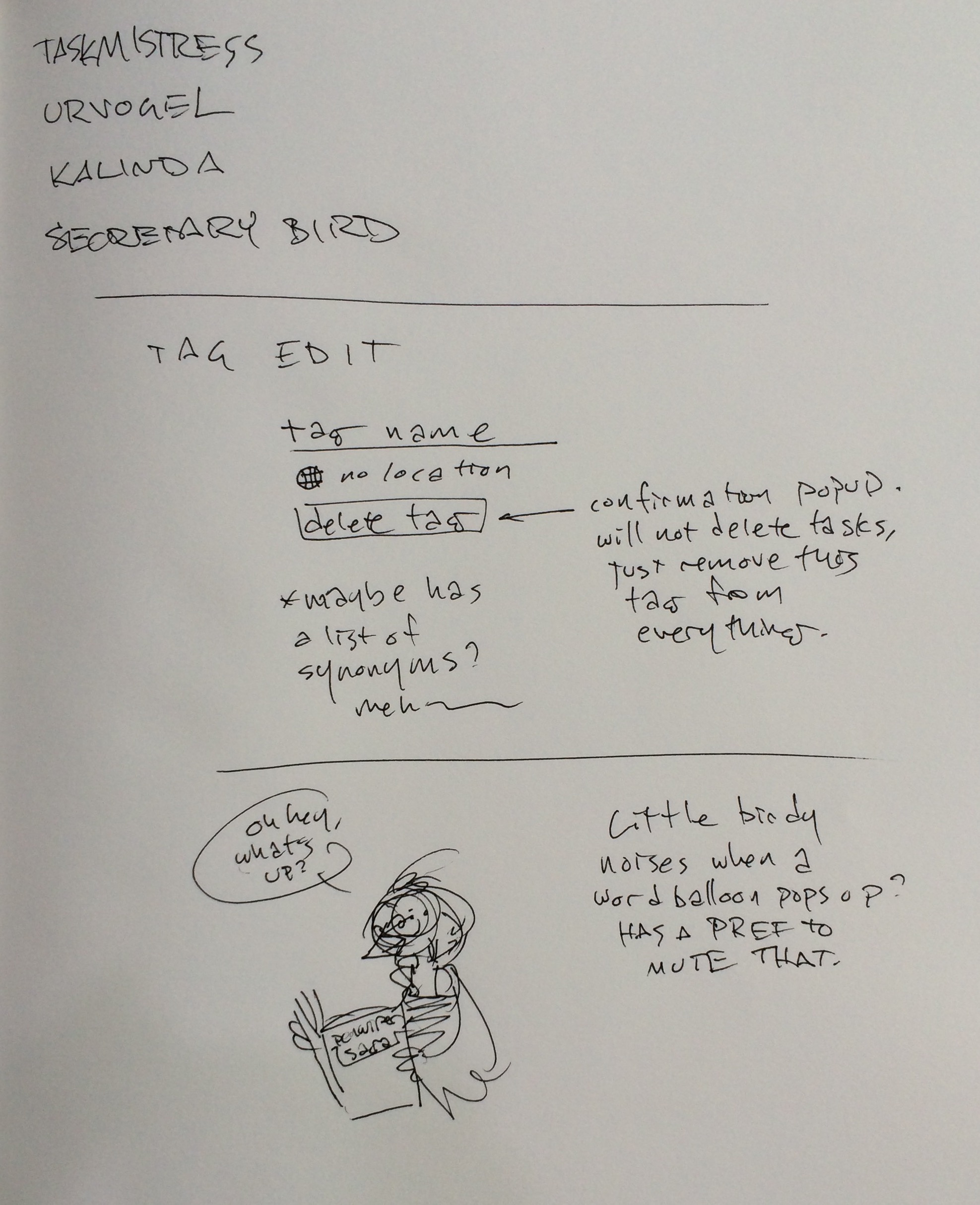
Tags could possibly alert on multiple locations (there are two drugstores in walking distance of my place, and it’d be nice to be reminded there were things I wanted to get when I pass both of them) but it’s not necessary. The location chooser would be a pretty standard one, hopefully skinned to match the rest of the generally-dark UI rather than being Glaring Apple Default White.
That, I think, is pretty much it. A friendly little face on a to-do app focused on tags and locations, rather than lists and obligations.
I know there are some programmers out there following my work, some of whom might want a side project or whatever. If you’d like to help make this happen for iOS/Mac – and maybe for other platforms in the future – then drop me a line. I’ll pay you for your time, regardless of whether or not anyone ever hits the tip button.
Hm, a lot of this stuff is at least advertised as being standard functionality in Cortana (Microsoft’s answer to Siri), and iOS 9 supposedly brings a lot of that stuff in too. Even in iOS 8, Siri can do a lot of it too if you’re willing to do a bit of stuff to set things up (like setting up ‘the drugstore’ as a location in your address book).
Still no tag-based filtering in sight though.
A shame Yahoo bought and destroyed Astrid; I remember liking that app back when I used it (although I eventually switched to my own CalDAV server and a standard todo app, even when I was still on Android). It’s one thing for Google to buy out a competitor and shut them down or roll them into their own offering, but why does Yahoo seem to have this fetish for buying out great products (like del.icio.us) and completely shutting them down for apparently no reason? It’s no wonder Flickr and Tumblr users are always nervous.
Oh, yeah. It’s kind of nothing new. All of the pieces exist in existing apps; nobody’s brought them together the way I like them since the location plugin for Astrid. And I’m getting increasingly tired of waiting for someone else to make it happen. Because ‘tags can have location alerts’ made a *huge* difference in me actually using the locations, and getting a lot more stuff done.