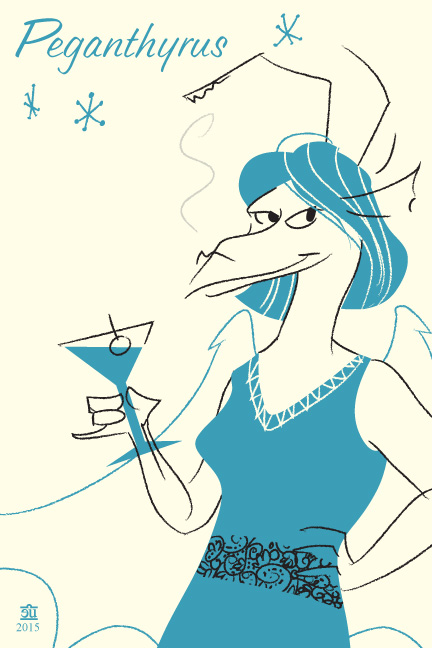
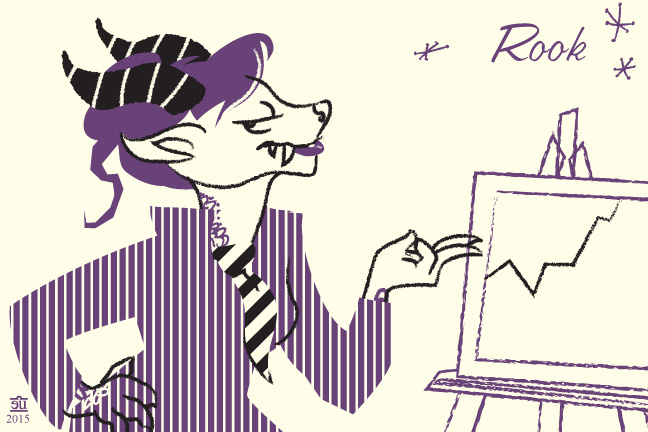
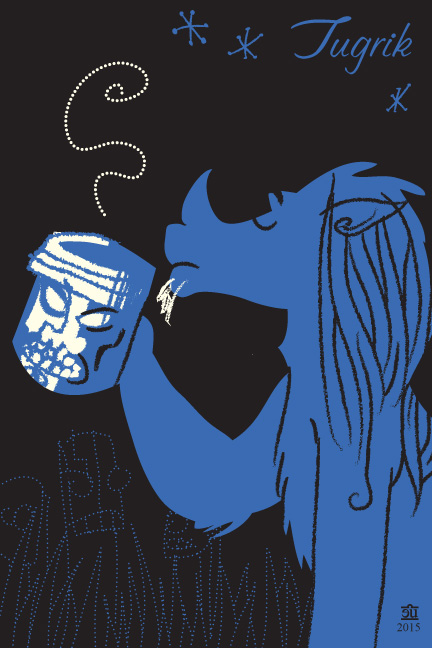
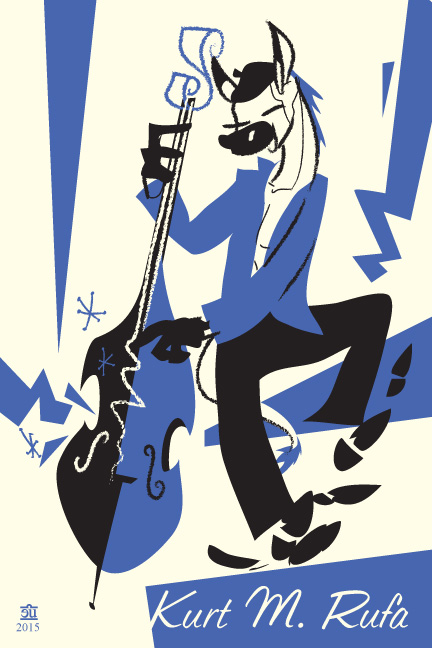
some bird booty

Kalinda-blfc

I’ve had a lot of people ask if I’m going to BLFC this year, enough that I’m thinking of going.

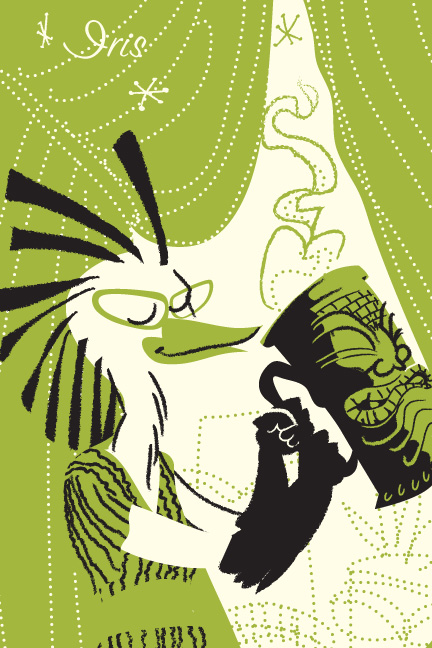
Especially after I went to check this year’s theme and saw that it is “pop dystopia”, with suggested inspiration of Tank Girl, Jet Grind Radio, and Borderlands. I was all YES I’M GONNA DRAW MY WITCHY BIRD CHARACTER DOING MAJGICKAL TAGS. This’ll be my badge for the con if I go, and I’ll probably be doing similar stuff at the table for sixty bucks.

And if you’re wondering: yes that’s a sigil, no I won’t tell you what effect it’s intended to have, yes I will include one for whatever intent you desire in your badge if you want.

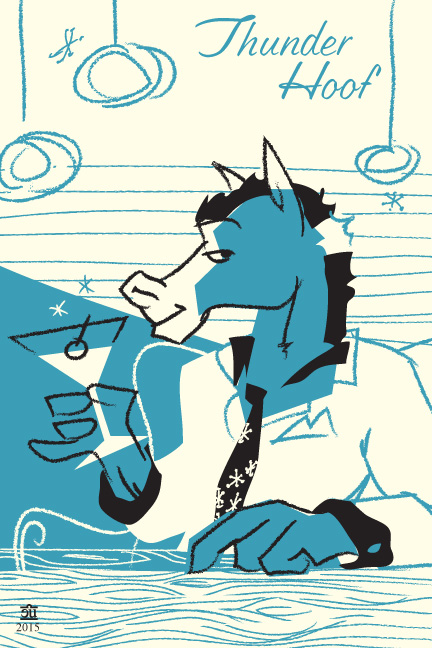
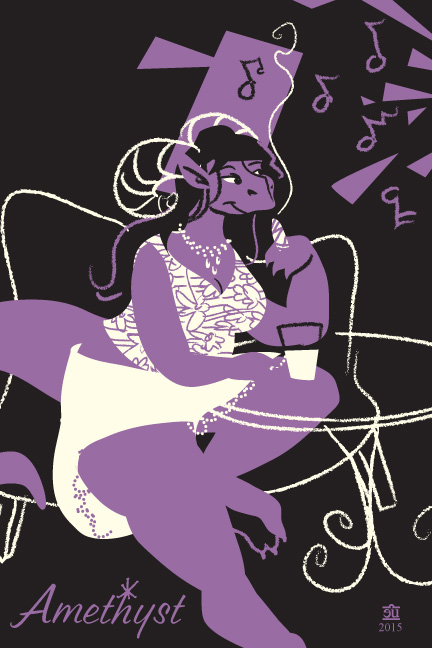
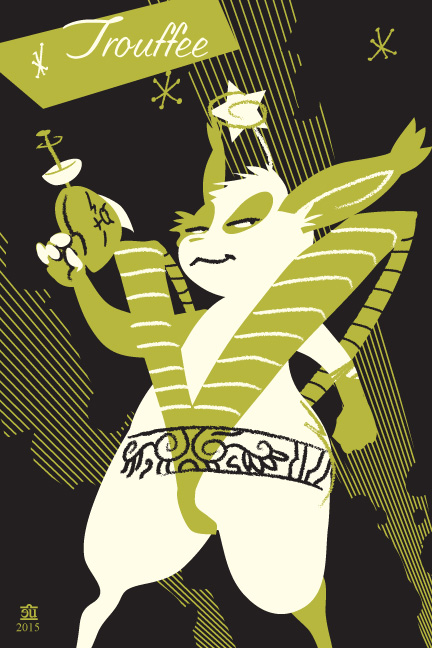
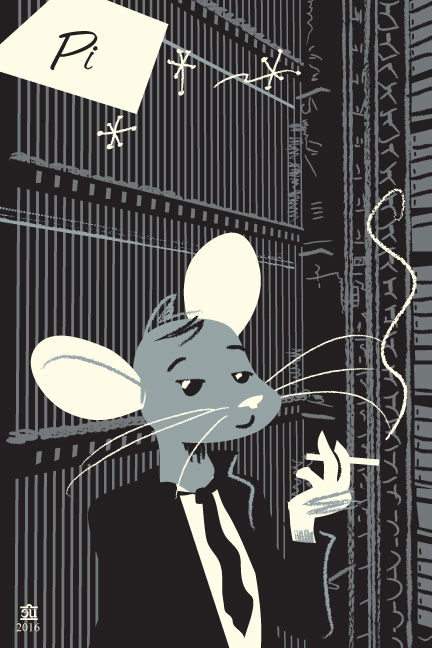
Some Sophisticated Lady

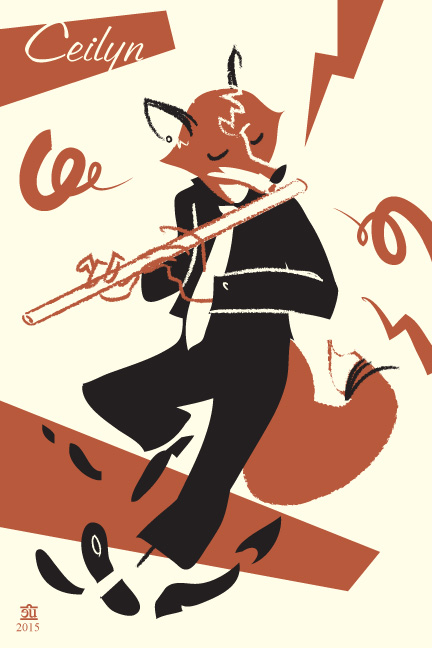
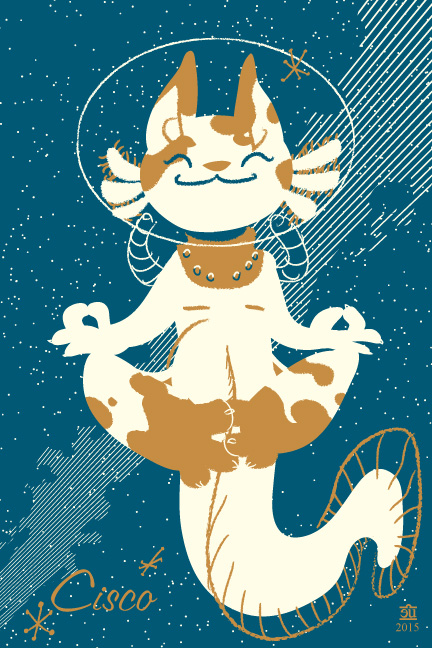
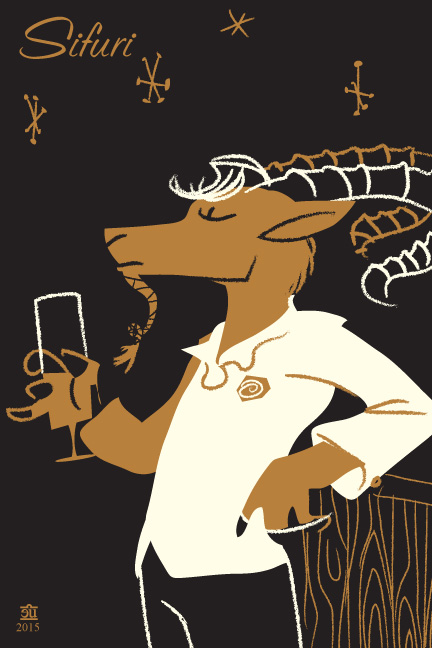
I will be at Further Confusion in a couple weeks, drawing stuff like this and turning it into 4×6″ badges. I might take a couple of pre-orders; I’m not sure. Probably about $40.

The theme I’m using for these is “cocktail/tiki party”, which I think meshes nicely with the con’s theme of “1950s diner”. I may or may not have an endless loop of bongos playing at the table to enhance this ambience.

Frater Billy’s Pocket Goetia

Hail-Stan!-1

Hail-Stan!-2

So this is a thing I did for a zine Evan Dahm put together a while back. The zine was called “Hail Stan!”, and the basic idea was “misunderstood or misheard comedy Satanism”. It was printed in black on red paper. I’m pretty sure Nick helped me come up with some parts of this.

Every time I look at these I giggle, and think I’d like to make some more Pocket Goetia trading cards.

website refresh: ego test

Thinking about a facelift for the website. I’d keep the same overall format, just refresh the imagery a bit. It’s been about three years since I built the current version, and about three years since the previous one, it kinda feels like it’s time.

I dunno, does this feel like I’m being too egotistical? Having the first thing you see on my site be this giant stylized sexy version of myself with a crown of vectors and a giant stylus, so large that it refuses to fit on your screen at one time unless you have a 24″ monitor in portrait mode? HI I’M PEGGY AND I’M THE AWESOME EVIL VECTOR QUEEN ALSO MY EGO IS THE SIZE OF JUPITER.

a shading experiment

abs-shading-solstice-experiment

I was thinking about other people’s processes that involve shading on a separate layer that’s been constrained by a mask of the shapes it’s shading, and knocked this out in about an hour.

It looks nice, but I’m not sure how I feel about the fact that it resulted in about three times as many layers as I’d normally use.

Screen Shot 2015-12-21 at 12.44.26 PM

(All the ‘light’ and ‘shadow’ layers have an opacity mask of a duplicate of the layer they’re modifying; light layers are 100% screen, shadow layers are 100% multiply. Most paths in them are heavily gaussian blurred; all the shadow paths are a blue-purple gradient.)

And just to show how much some simple effects can add, here’s the same image with most of the blurs removed:

abs-shading-solstice-experiment-deblur

I may try experimenting with this on a few panels of Absinthe. Making myself separate “shading” from “drawing” is weird; I’m really used to considering them at the same time. I may also want to experiment with using this method for broader strokes of shading, and doing some of the subtler shading within the base layers the way I normally do. Dunno. My methods are a constant work in progress, and ultimately what matters most is a mix of working speed and how fast they feel – I’d rather do something that’s empirically a bit slower, but feels faster to my brain, because that’s more likely to keep me happily working for a longer stretch. Making sure everything works in silhouette and basic colors before going to shades probably won’t hurt, though.


Lifecrease

The Siege of Syracuse

Back in 2007, I drew a picture and decided it looked like an album cover. So I drew a fake back cover, as well.

Siege of Syracuse (back cover)

Last week, I was looking at that picture and decided I still liked it. So I drew another picture, designed explicitly as the cover for a CD from the same band.

Lifecrease

And, of course, I had to draw a back cover as well. Complete with moody photo of the band.

Lifecrease-back

Back in the early 70s, Raven Museum was a fairly typical prog band. But by the early nineties, they’d embraced modern technology, drifting into a somewhat psytrance-flavored sound.

With the first one, the cover image came first, then the title and back cover; with this one, I started with the title, then the image, then the back cover. I had a lot of fun playing with the implied narrative of the credits – if Richard Chatham is the drummer, then why’s someone else credited with drums on half of the album? And why are there only three people shown o the back cover, despite the band officially being four people?

I figure that future albums list Richard as “drums emeritus’, and he continues to be absent in band photos and live performances. When asked what happened to him, the band inevitably changes the subject.

I also kinda feel like drawing my fictional band is the next step on a slippery slope that ends with me doing comics about them. Hey, it’s not like I’d be the first; Matt Howarth, one of my major influences, had a whole constellation of imaginary bands, one of whom started in a comic book that ran for like thirty or forty issues.

Technically, I’m proud of the front cover of the new one. I figured out a reasonably efficient way to do distortions without leaving Illustrator:

  1. Make a new layer, draw a 50% grey rectangle that more than covers the area you want to distort. Draw your greyscale distortion map on top of it, matching whatever parts of the image you need to – here, I matched the ripples I’d sketched in the water.
  2. Make a new artboard the same size as that rectangle you made in step 1. Export this artboard as a 300dpi greyscale PSD. I found that Illustrator consistently appended ‘-distortion map’ to the exported file name, interestingly enough.
  3. Turn off the layer you drew the distortion map in.
  4. In the layer you want to apply the distortion map to, draw a rectangle the same size as your distortion map. Give it no stroke and no fill.
  5. In the layers palette, target the layer you want to distort.
  6. effects->rasterize. 300dpi, add 0pt around the object.
  7. effects->distort->glass, load in your distortion map. 100% size, other sliders to taste.
  8. You’re done.

If you want it to be a higher resolution, you can do that. Just make sure you export the distortion map at the same resolution you rasterize the stuff you’re distorting.

(Sure, you could do this completely vector by doing a distortion mesh. But making a complicated mesh is a fiddly, annoying task that I really don’t care to do. And it takes a hell of a long time to render. This takes a not-unnoticeable amount of time to render as well, but it’s a lot faster than a distortion mesh on my machine.)


Drowning City: first step.

Drowning City - first panel

These are the first two finished panels of The Drowning City. They look pretty much exactly like I envisioned the comic looking fourteen years ago when it started to really take shape.

They took a bit more than an hour to draw, not counting the half hour or so I spent drawing the sword and making it into a brush so I pretty much never have to draw it from scratch again. Some of that time was spent swearing at Illustrator and trying to nail down a weird bug where the Graphic Styles panel stops working properly; ultimately I ended up just working out of the panel where I had the library of styles I’m keeping in another file. I really need to spend some time trying to nail down exactly what makes the Graphic Styles panel start glitching out and submit a bug report.

There will be many more panels to draw before this comic is done. But having the first ones done makes it feel much more like a thing that’s really going to happen.