Yellow Submarine

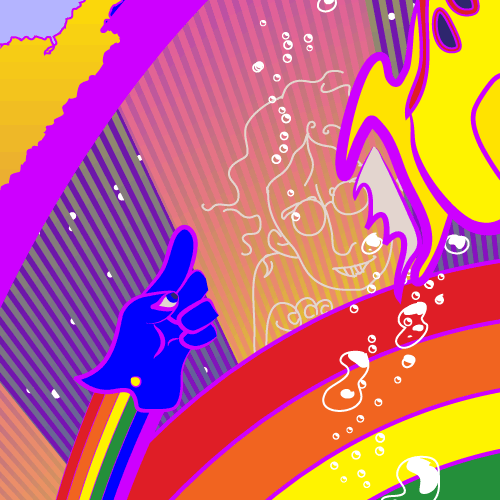
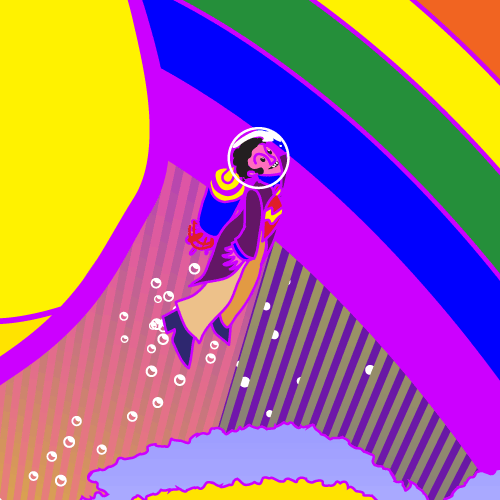
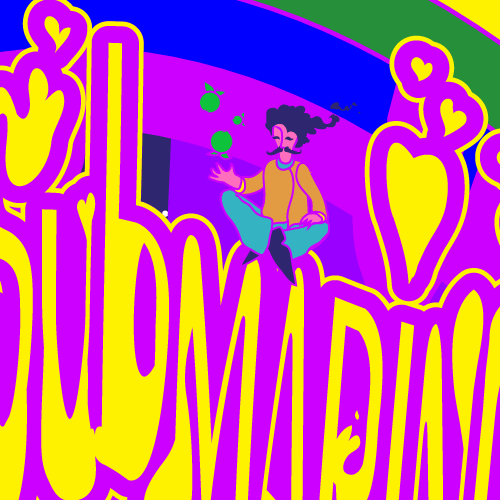
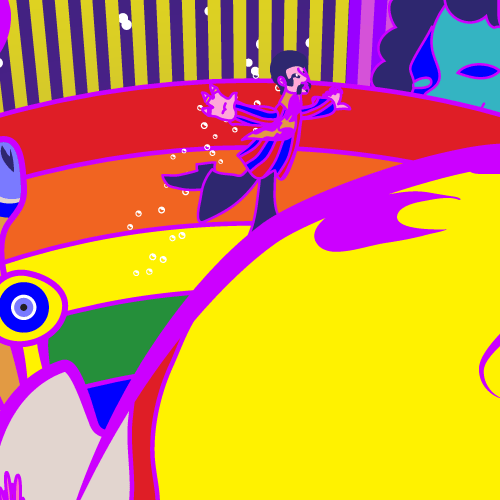
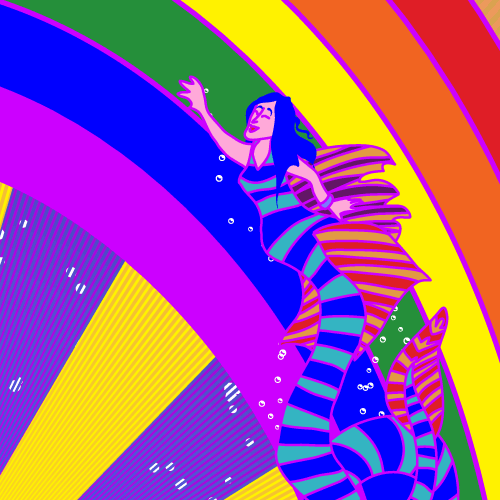
A couple of days ago, someone posted a little drawing of a yellow submarine to the Illustrator subreddit. It was cute and round and a perfectly decent little icon-scale submarine, but it wasn’t what I expected when I clicked on it. What I was expecting was the vehicle design from the Beatles animated movie. The one that I was obsessed with when I was a kid and could draw from memory. The one that’s from a movie I usually cite as one of the reasons that made me want to become an animator.

So I decided to draw it.

Two days later, it’s done.

Here’s a few closeups off the Beatles and couple of Blue Meanies:


Illustrator, 4.5h.

Prints/shirts/etc on Redbubble.
High res and AI source on Patreon.


gator gator gator gator

How to quickly make a repeating pattern brush from a long image, without wasting your time swearing at the Pathfinder palette.

  1. Draw a funny little alligator. Or a pickle. Or a snake. Or an abstract pattern. Whatever.
  2. Make two duplicates of the whole gator, and the rectangles you want to crop it with.
  3. On the first gator, delete the left and right rectangles. Then select the whole gator and the center rectangle, and do object>clipping mask>make.
  4. Select the now-invisible clipping mask. Copy it. Deselect all. Edit>Paste in back.
  5. Select the clipping mask, its contents, and the invisible rectangle behind it. Make a pattern from it.
  6. On the second gator, do steps 2-3, except keep and duplicate the leftmost rectangle. Make another pattern.
  7. Third gator, third rectangle. Steps 2-3 again.
  8. Make an art brush using all gator part patterns.
  9. Enjoy your gator brush.

(Or make an art brush directly from the art in step 4 instead of making the pattern, set the Brush palette to List View, then alt-drag the front and back parts of the gator into the appropriate slots in the brush instead of making patterns.)

The secret sauce here is the invisible rectangle behind everything. If you have one of these, then Illustrator will use this as the boundary of an art/pattern brush. If you don’t then it’ll use the bounding box of everything, including the hidden clipped parts – make another three copies of the gator and skip step 3 to see this in action. Without the clipping mask it’ll still work but you’ll get the whole gator image drawn along the path, overlapping.

In general I recommend staying the fuck away from the Pathfinder palette, it rarely behaves like you expect it to and will make you swear for hours on end. Use clipping masks/Draw Inside, pattern fills, or opacity masks instead.

Here’s an Illustrator file demonstrating this: gatorgatorgatorgator.ai

The Terrible Secret Of Age

in ad 2001

meme was beginning

“cats” set us up the laughs

you have become old; treasure your time.


Earlier this month, there was a post on Hacker News where someone showed off their attempts to start writing some game engines in a language named “Zig”. My joke that they should consider using these engines to write an actual game – say, a port of “Zero Wing” – fell completely flat.

This past week I found myself looking at an animation of crude redraws of the characters from the intro to the 1991 Genesis port of that largely-forgettable 1989 arcade game singing their poorly-translated dialogue to the tune of Queen’s 1975 song “Bohemian Rhapsody”.

And I felt old. I felt indescribably old. Nobody got my joke because there are tons of people who are fully functional young adults who have no idea what this is because they were five when it was the talk of the Internet.

So I decided to draw Stella dressed up as “CATS”. Or, rather, dressed up as the horrible realization that if you recognize who she’s dressed as, you are also probably getting old.

Anyway. Illustrator source is on Patreon; prints/shirts/clocks are on Redbubble.

Total Peganthyrus Vortex

that moment when the drugs kick in and you realize that there is absolutely nothing in the universe except you and your infinite reflections


So one of the things I do to put off getting work done is to go to the Illustrator subreddit and answer people’s “how do I do this” questions. Yesterday there was someone asking how to do this:

 to which I replied

  1. draw a thing, select the thing
  2. object>distortion mesh>make with mesh, just make it 1×1
  3. mesh tool, click on the edge of the mesh around where you want to make stuff wavy, zoom in close and click slightly above this place so that there are now two mesh lines very close to each other
  4. select the top two points of the mesh and the upper of the two mesh lines you just created, drag upwards
  5. make a couple more mesh lines in this space you’ve opened up, move ’em around
  6. also play with the settings in object>envelope distort>envelope options, a low setting on the “fidelity” slider can make some really interesting glitches.

(You could also go old-school on this and find a photocopier; moving stuff around on the glass as the scan head is moving creates similar effects. Do a dozen or so tries until you find one you like, then scan it, and autotrace/work over it in AI.)

And today someone asked how to do this:
…where I suggested

Draw one vertical line of arches. Make it into a pattern brush. Draw a circle using this brush. Duplicate the circle and rotate it a little and change its color; play with opacity masks.

Making the varying blur/sharp parts is something I’d have to think about for a while in front of Illustrator, offhand I’d probably do it by drawing three arches with a green stroke at 0%, 100%, and 0% opacity, blending them, then duplicating the blends to make the line of arches to use in the pattern brush. Might have to expand the blends before making them into a brush.


I’d verified that the warp effect worked by doing it to a copy of the picture I drew yesterday, which is where the “play with the distortion effect settings” part came from – I liked how a low fidelity made a total mess of things.

So after spending about fifteen minutes fooling around with those circular patterns this morning to see if my idea worked…

…I realized that I could very quickly use this as a tool to make something akin to Escher’s “Circle Limit” images with a lot less work than he had to put into those. So I fooled around a while and this was the result.

Here’s the outline view, with the distortion mesh on and off – stuff you put inside a distortion mesh goes to a weird netherland, and vanishes from the main canvas unless you say “swap the dmesh for the stuff inside it so I can edit that”.

The two dragons at the corners are repeated by use of the Transform effect; getting the right settings was made a ton easier by using Astute’s “Stylism” tool, which provides nice interactive on-canvas controls for this effect and several others instead of Adobe’s modal dialogue boxes full of numeric fields.


If you wanna see the source, it’s up on Patreon. If you want a print of this, it’s on Redbubble.

Pedantia

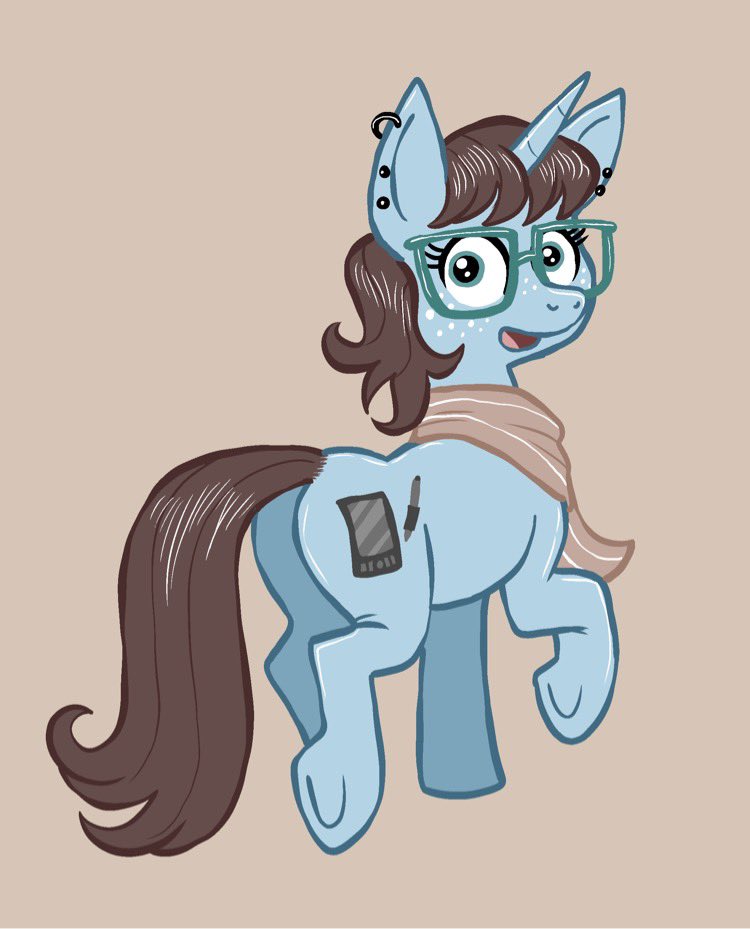
A couple of days ago, my friend Dana posted a picture of her ponysona.

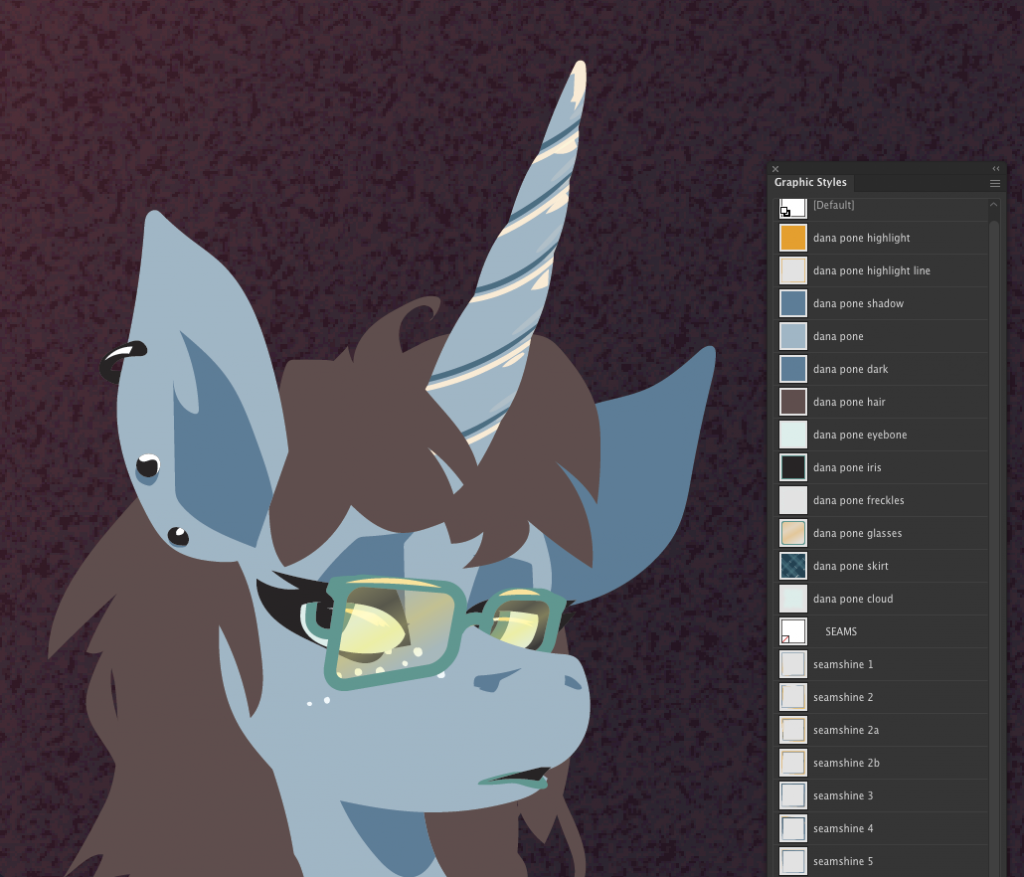
“This is cute and I should draw this,” I thought to myself. So the next day, I did. She liked it and made a closeup of it her Twitter icon, so I’m happy.

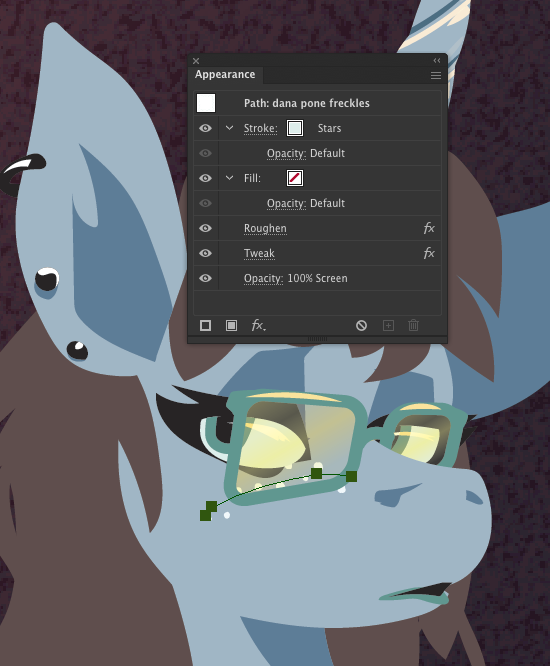
It is unlikely I will draw Pedantia again any time soon but as always, I’m ready to do so quickly since I followed my usual habit of making a bunch of Graphic Styles with sensible names. This slightly sped up doing this drawing, and if I need to draw her again then I can just grab those styles out of this file and very quickly start making shapes.

I am especially happy with the “freckle” style. It’s a starfield scatter brush I made ages ago, with the parameters drastically altered to stay close to the path I draw, then some effects applied to make the perfect little circles into slightly-blotchy shapes that mimic both the look of “dots created by Dana tapping her stylus on her drawing tablet” and of “small irregular spots of increased melanin”.

Overall this took about an hour’s work in Illustrator.

skellington repair

A few days ago, someone broke the goofy smiling skeleton-on-a-bike windcatcher we’ve had in the front lawn since around Halloween 2019 – we put him up and just never took him down, because this is the kind of town where you can just be the Spooky House On The Block.

Today I took a look at the damage; there was a plastic rod that went up inside to keep the flat, printed skeleton erect, and that was snapped off at the base. Someone definitely whacked it, and took the supporting rod out from inside.

I looked around the house a while, and ended up taking a leftover part from this skeleton’s installation; this is the second time this has happened, the last time everything vanished except for the lower part of the rod that goes into the ground. So I had a spare one of those, which I was able to slip inside the skeleton , and duct tape to the bicycle.

I felt so damn domestic, somehow, standing out there rigging this repair to a piece of absurd lawn decor.

Ride safe, Mr. Skellington. Perhaps we should add a skeletal flamingo, or another cyclist, or something.

Research (IV)

Illustrator, 7h.

This started with just Kellyn perched atop the shelves (from me recalling how I kid me used to like to climb on top of the dresser in my room, or the shed in the back yard, and read), but ended up also including my SO’s character Alba in the couch. And a few of the cats who live under the house.

Today feels weird and flat and empty; I have nothing much else to say about this drawing. It feels like I may be done with the urge to draw these cozy library scenes for a while.

High res and AI source on Patreon.

Shirts/prints/etc on Redbubble.

Research (III)

I am still into “my fursonas sitting around lavish libraries”. This one was started back in 2016, and left at a pretty rough stage because I just really did not feel like drawing all those books at that time; now I’ve got a pretty good workflow for this, so when I remembered it existed, I pulled it out and spent about six and a half hours finishing it.

The unicorn on the ceiling is Noelle and the dragon is November-4; the dragons on the bottom are Enmerkar (seated) and Peganthyrus (sleeping). Noelle and Enmerkar are my spouse’s; originally this was just a picture of Peggy visiting Enmerkar at his home in the Library of Babel, but the way I drew the books above the arches made me decide to make it clear that space is a bit broken in there, and put someone on the ceiling.

High res and AI source are on Patreon; prints are on Redbubble.

Research (II)

It’s just been that kind of a month. I think I am probably still recovering from Hurricane Ida. And maybe from some old Katrina PTSD that Ida dredged up, as well. I feel like I have at least one more “my characters sitting in a big library reading” drawing in me. Possibly also because we got some new bookshelves this week, and I’ve been working on finally getting all my books out of boxes and onto shelves.

This one’s a bit of an experiment; I have a commission at the sketch stage that I think will be well-served by evoking a Japanese woodblock print feeling. Sometimes when I want to explore stuff like that I will make room in the price range for the commission to fuck up and redo from scratch; this time I felt like exploring it in some personal work.

I tried four different ways to get an outline happening:

my initial shitty rough

Astute’s Dynamic Sketch tool

just some simple, monoweight lines

trying to make Illustrator automatically add an extra, thick outline to everything

illustrator’s Blob Brush

The blob brush looked the best, but I kind of hate the blob brush because it feels like working in Flash. And it still felt kind of really sloppy no matter what I did. So I just did a slight variant of my usual methods: I drew some solid-filled shapes, and had an outline on them. I had to be a little more careful about certain aspects of how I overlapped the shapes to make sure the outlines looked good, but it was only slightly slower than my normal methods, and felt a lot less insane than trying to nail the whole thing down as a composition in the line stage, then decide how to best flood-fill everything. Probably by using Live Paint.

Which, yes, is a thing most artists do all the goddamn time, I know. I haven’t been working lines-first since about 2000 and it really just breaks a lot of my workflow to do that.

My original sketch had her kind of flopping coils onto the shelves, but it didn’t feel right. So I looked at some pictures of snakes climbing up sheer walls and ladders and trees, cloned the body layer, and drew something new on the original layer.I liked the results so I deleted the copy.

And then I had to fill some more bookshelves. I drew new book-spine brushes instead of using the ones from the previous picture, and thought a bit about ways to quickly shuffle around the brushes and colors on them. Astute’s Super Marquee is already a tool that’s found a place in my workflow, and its ability to select a randomized subset of the paths in the area it’s selecting was super useful here. I threw together the above image to share it this process on the Astute chat; I could maybe add some more details to how it’s done, but that’s for some other time.

Overall this took about seven hours to do. Which feels like a while for me for a single character drawing, but I spent a couple hours on things like “testing four different approaches to creating a fake ‘ink line’ look”, “making the pattern on her clothes via some tools that let me make symmetry groups that Illustrator’s native pattern tools can’t handle”, and “figuring out why the rug pattern that I generated with the source of a Twitter bot is coming in as black-on-black”.

Anyway. Patreon supporters can get the AI file over here if they want to pick it apart; if you have a blank space on your wall, in your cupboard, or on your body that you think this image would fill nicely, you can get it printed on a bunch of stuff over on Redbubble.

meat

do you ever wake up in the middle of the night and say to yourself, why hello Chauncey, we seem to have woken up in a piece of meat again, look at its memories, what a strange journey this meat has had from its mother’s womb to this point in time, and then your nose starts running because evidently the locus of consciousness currently sitting in your body riffling through your memories is moderately allergic to being meat but it will just have to deal with it until you can go back to sleep and hopefully wake up with a different locus of consciousness that is okay with this whole “meat” thing, but it’s hard to do this when you keep on having to blow your nose instead of lying there in bed and turning your attention inward, away from waking life?