
Yesterday I had a drunken urge to draw my fursona in the c64 palette, which then progressed into seeing how far I could get into making Illustrator render my crisp vector shapes into the distinctive 2:1 aspect ratio of the c64’s “multicolor” mode. And then I added some semblance of a CRT’s phosphor pattern, and changed the pixel aspect ratio transformation to precisely match the 1:0.75/2:0.75 ratio that an NTSC C64 would generate. And finally I fooled around with a few different palettes and found one that felt like it matched my memories of my own c64 – there are a lot of different palettes claiming to reproduce the c64’s output. And now I think this piece is Definitely Done.
(There are multiple reasons for this variety in what people claim were “the c64’s colors” but there are two main ones: firstly, the initial version of the video chip only had three luminance values for every color that was not black or white. This meant that everything blended into a total mess on a B&W TV. Which was still a thing that people would plug their computers into back then. So there was a revision of the chip that spread it out more, with those fourteen different colors getting sorted across seven different luminance levels. And second, there was a potentiometer sitting on the c64’s circuit board that controlled the overall saturation of the output; during assembly and testing, the workers were supposed to look at a screen and carefully use a screwdriver to turn this tiny knob until colors started to appear, but once the c64 started selling like crazy they didn’t have time to do that and meet quotas so they just cranked it all the way up. Add a lot of variance with how your TV was adjusted, and there’s even more spread.)
anyway here is some music to go with the rest of this post and better simulate the experience of being a teenager in the late eighties with a Commodore 64 and a bunch of weird games you downloaded from a local BBS that reference UK pop culture you have never heard of
Here’s a few images of this process from “fifteen minute drawing in the c64 palette” to “a big pile of effects that more closely simulate the c64, albiet with a larger canvas than it could ever show”.
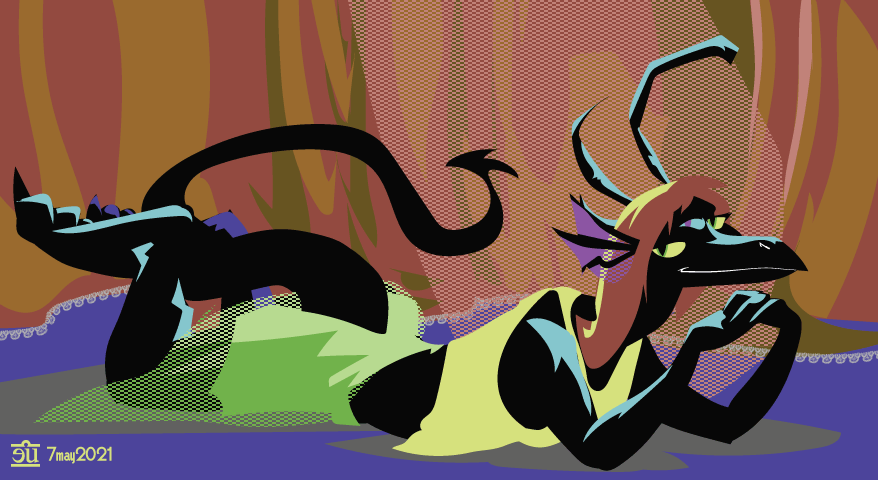
It began as just a bunch of shapes with a c64 palette and some pattern fills in the characteristic double-wide dither patterns…
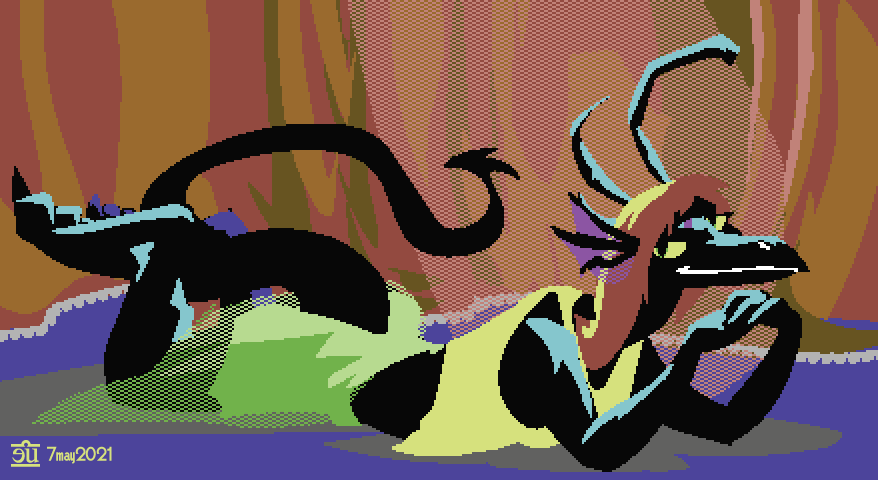
…but why not stuff all the layers this was drawn on into a new layer and apply a rasterize effect to that layer?
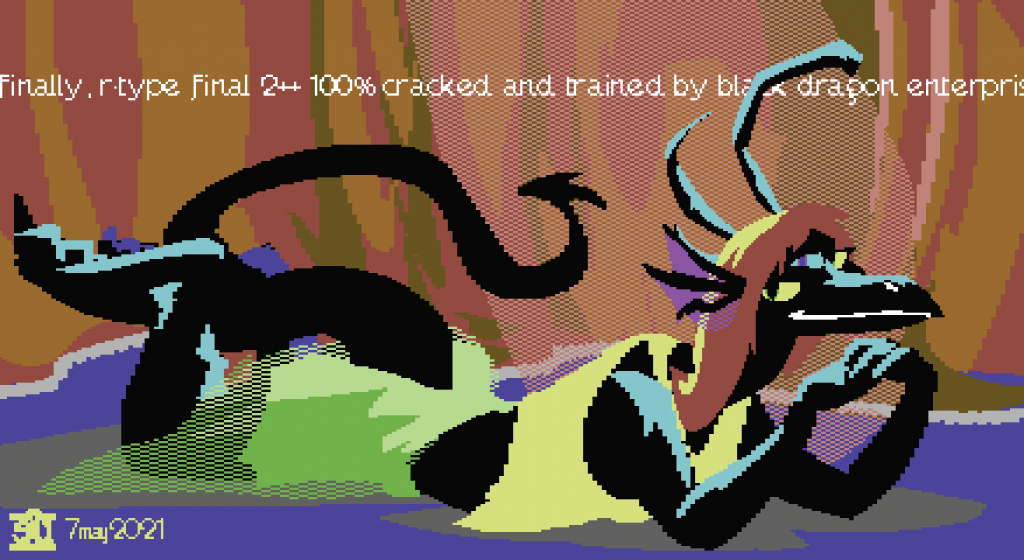
Well, for one thing, the c64’s “high res” mode (320×200) could only have two colors in any particular 8×8 pixel cell; it was much more common to use the “multicolor high res” mode, which let you have 4 colors in any individual 8×8 cell, at the price of it turning into a 4×8 cell of double-wide pixels. I decided I wasn’t going to bother with this and went to bed but the next morning I woke up with an idea in my head for a way to do it: apply a Transform effect to scrunch it to 50% of its width, then the rasterization step, then another transformation to stretch it back out. It worked!
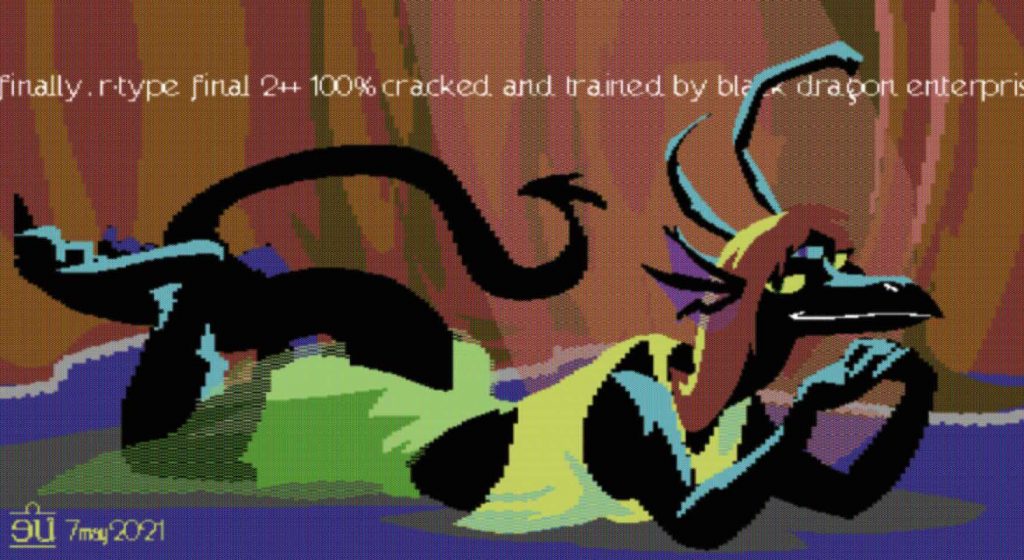
And after I’d done that I decided to simulate a CRT’s phosphor dot pattern, plus a little generalized blur. And after that I was all, okay, fuck it, I guess I have to also go deal with the fact that the c64’s pixels were not square – they were 1:0.75. A little more fiddling with the transform, rasterize, transform trick made Illustrator fix that for me.
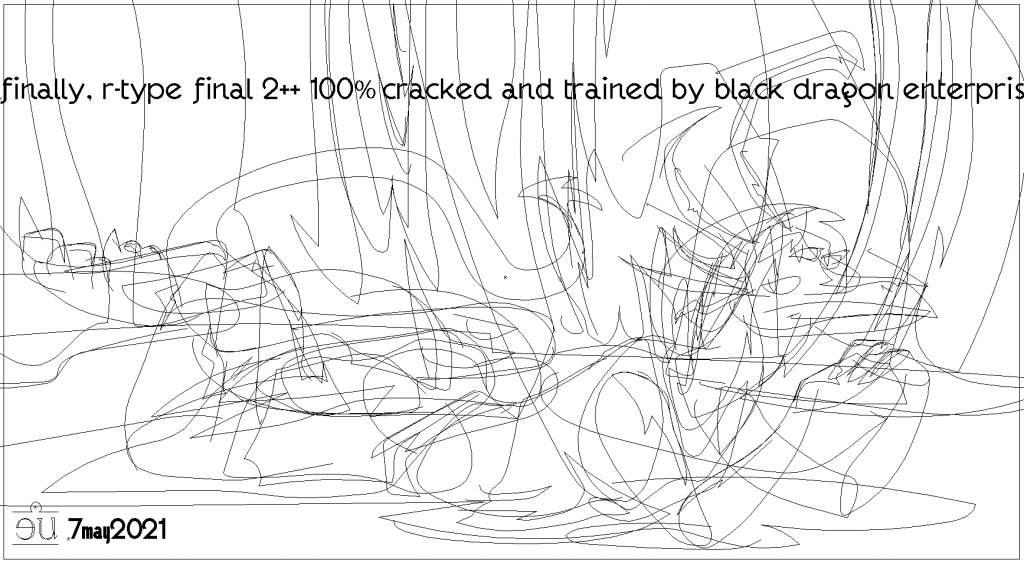
But it’s all still vector. Which made it incredibly easy to make a few tweaks here and there. This would have been a giant pain in the ass to do with anything even vaguely resembling an authentic c64 drawing tool.
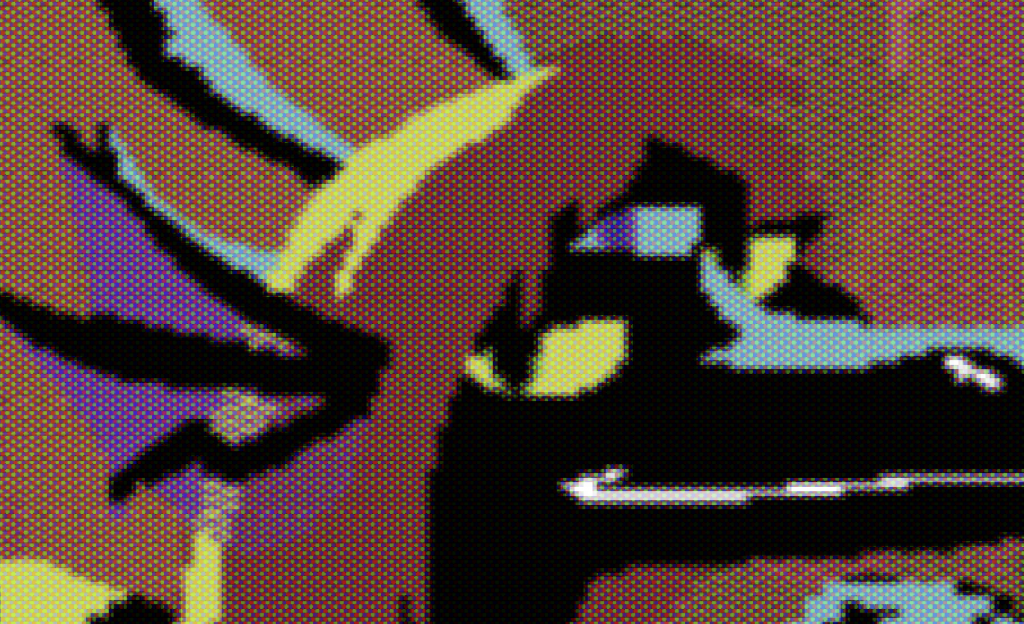
And here’s a closeup of the phosphor dot effect. It could be better but I would have to write my own CRT filter plugin for Illustrator and I really don’t wanna bother with that.
This is far from being a perfect simulation of how this would look as an actual c64’s output – the rabbit hole can go pretty deep if you want to really emulate every single quirk of the VIC-II chip – but it’s good enough that the part of me that wants it to be relatively true to the platform’s limitations and quirks is shutting up. Just assume it’s a giant FLI image scrolling back and forth on the screen with some high-res sprites layered over it for the head and the text and don’t worry too hard about actually counting pixels, okay? :)
AAAND FINALLY because I could do it in like two minutes: here is a version that would actually fit on a c64 screen.

seriously all I had to do was make a new artboard of the appropriate size, duplicate the layers, size them down, and slightly resize the text and signature. I could finesse this but I don’t think I want to – the part of me that wants to improve this workflow a bit more and make something worth submitting to the graphics competition of a demo party is being quietly suppressed.
C64 multicolor mode was a little weirder than that, even – I believe you only had direct control over the first two colors in each 4×8 cell, and the other two colors were shared across the screen. It’s possible to change those two colors on a per-scanline basis though, so essentially you had two colors per cell and two more colors per row, without causing the eye-hurting flicker that FLI et all caused.
But anyway, you captured the look perfectly. Good stuff!
You’re thinking about multicolor text mode: color 0 is the global background, color 1 is from the character color RAM, and used the high bit of the color to decide if the character was displayed in high-res/single-color or double-wide/multicolor, so you could only have the first 8 colors for this slot. Colors 2/3 were shared across the screen. 0, 2, and 3 could all be changed at any point on the screen if you were willing to dink around with raster interrupts and beam-chasing.
I am imagining this as a multicolor bitmap picture: each character-sized cell on the screen has color 0, the global background, colors 1/2 come from the page you’ve designated as screen RAM, with the low and high nybbles of the byte being used as colors, rather than a character choice; color 3 came from character color RAM. If you were willing to spend all your rastertime repeatedly causing badlines (“FLI”, for Flexible Line Interpretation – IFLI was Interlaced FLI) then you could get the video chip to re-fetch the screen/color data every line and change the screen RAM pointer out from under it, giving you a new color 1/2 every line. Color RAM was always in the same place, and swapping 40 bytes around would take more cycles than you had even in a “good” line where the video chip wasn’t taking priority over the CPU, so you were stuck with that.
If you really want weird though there was Extended Background Color mode, a character display mode where you could only use the low 64 characters in your character set, in exchange for the top two bits choosing four different background colors for its cell.
(I have been thinking about the minutae of the c64 entirely too much while working on this image. :) )