Mavericks has mostly been running fine for me, but I’ve noticed some weird stuff happening with the display of indexed PNGs here and there. In Finder’s column view, Preview, and Quick Look, they’re all washed out. Check it out:
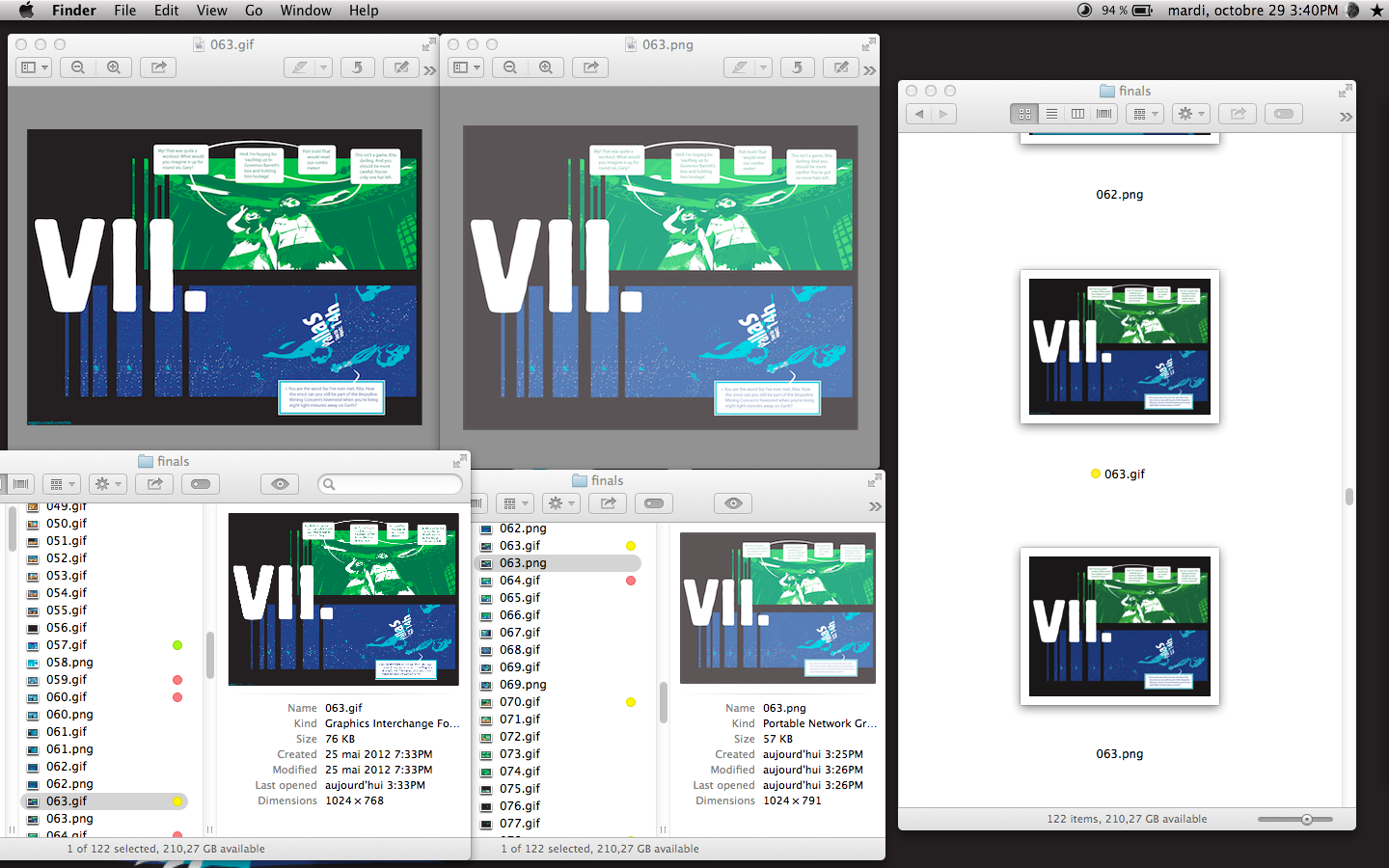 On the top left, two Preview windows, showing the 256-color GIF and 256-color PNG versions of the same file. On the bottom left, two Finder windows in column view, showing its previews. And on the right, a Finder window in icon view. Which gets the PNG perfectly right. Weird, huh? It treats 24-bit PNGs fine, but indexed PNGs turn pale. (I also checked a 16-color PNG, and a 256-color-with-transparency PNG – same thing.)
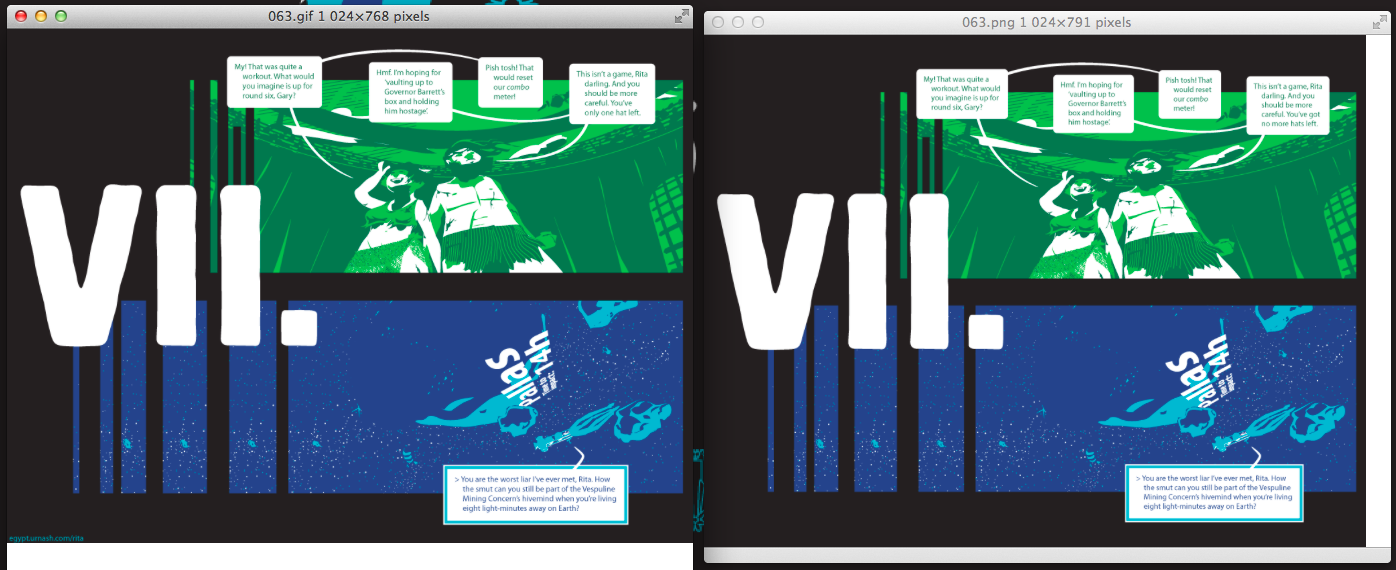
It seems to only be Finder, Preview and Quick Look that do this. Here’s a couple Safari windows. I just threw those two images into a Mail message, and they looked fine there, too.
Most peculiar. And rather annoying.
Is it just me, or everyone on Mavericks? Here’s a couple of images to download and check out, if you’re curious. See what Finder’s column view, Preview, and Quick Look do.
edit: a couple people on Twitter have reproduced this. I’ve submitted a bug report to Apple.